Experience lightning-fast native performance with offline access, enhanced security, and seamless integration with your desktop. Available for Windows, macOS, and Linux.
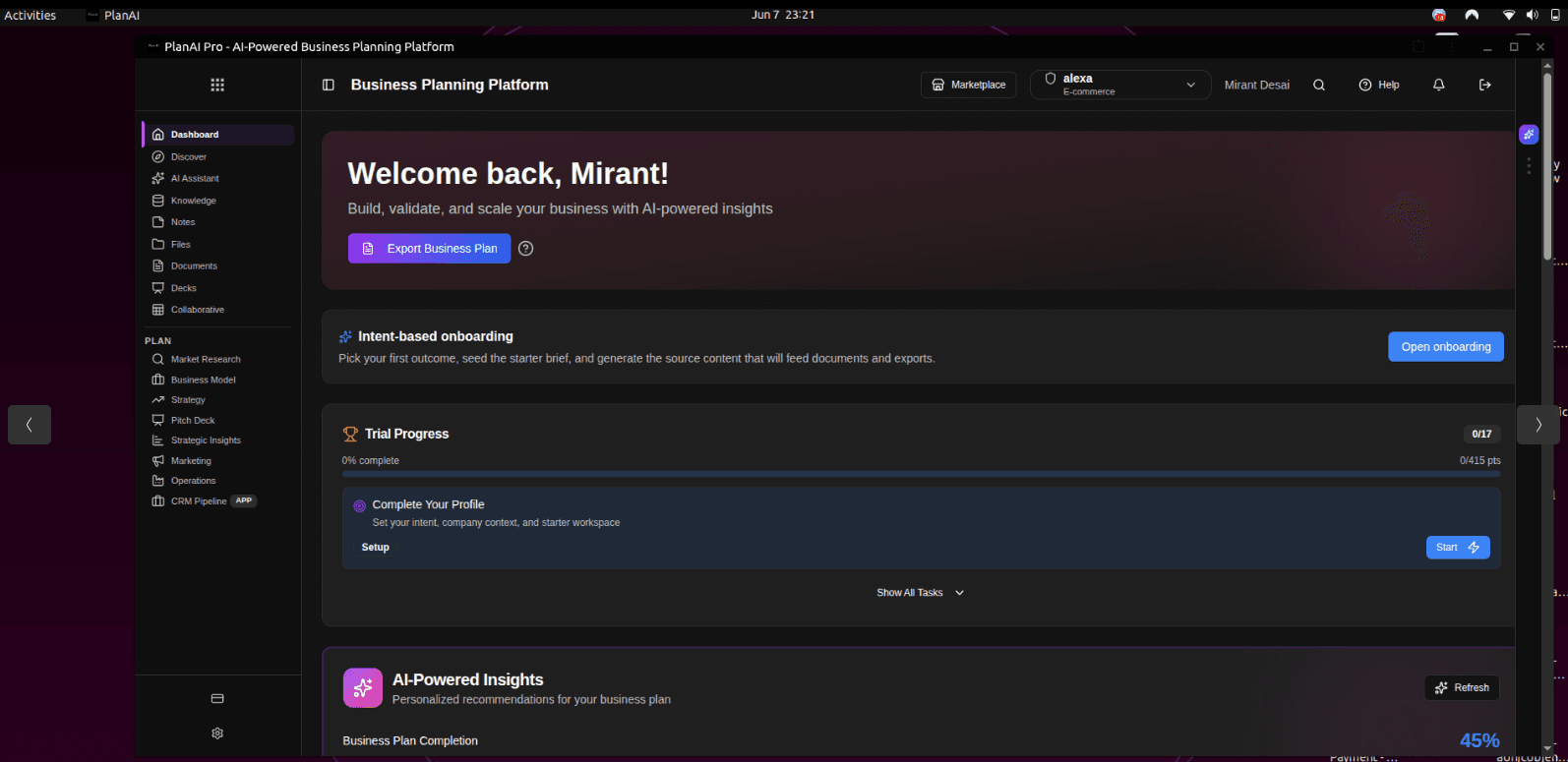
Works on Chrome, Edge, and Safari • No installation required • Launch from your dock or app drawer
Download PlanAI for your operating system
System Requirements:
System Requirements:
System Requirements:
PlanAI Pro subscribers get free access to the desktop app when it launches.
Native performance and features designed for power users
Native desktop performance with instant load times and smooth interactions
Work on your business plans without internet. Auto-syncs when you reconnect
Local encryption and biometric authentication for enterprise-grade security
Drag & drop files, native file picker, and seamless integration with your OS
Full menu bar (File, Edit, View, Window, Help) with native keyboard shortcuts
Automatic synchronization with cloud when online. Never lose your work
Get up and running in minutes
Choose your operating system and download the installer file
Open the downloaded file and follow the installation wizard
Launch PlanAI and sign in with your existing account or create a new one
Access all your projects, documents, and AI features with native performance
Yes! The desktop app is included free with all PlanAI Pro subscriptions ($30/month). No additional cost.
Absolutely! The desktop app allows you to work completely offline. Your changes will automatically sync to the cloud when you reconnect to the internet.
No! The PlanAI desktop app is a standalone application with everything built-in. Just download, install, and start using it.
The desktop app automatically checks for updates and notifies you when a new version is available. Updates are installed seamlessly in the background.
The desktop app is scheduled to launch in April 2026. Sign up for PlanAI Pro today to get notified when it's available for download.
Sign up for PlanAI Pro today and get early access to the desktop app when it launches